

SnapStream makes it easy to quickly grab a segment from live or recorded TV. While you can easily click on the captions or on the SnapStream progress bar to jump to a point in the recording, we wanted to provide our power-users with an even quicker method to effortlessly review a recording and create clips.
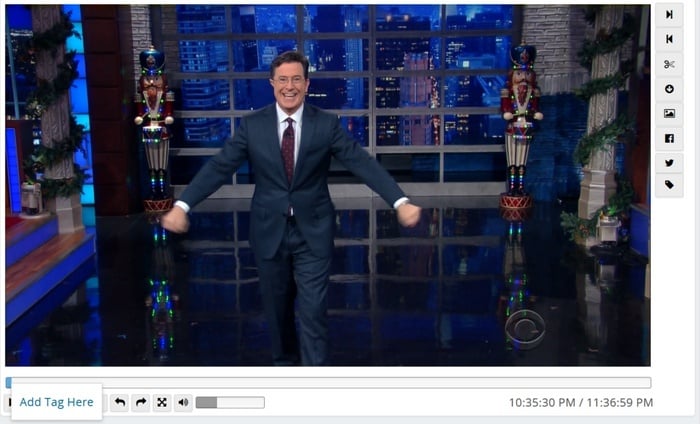
Timecoded tags reference specific moments during a recording. Using timecoded tags, you can identify and tag visual cues, non-verbal content and other important information that might not show up in the closed captioning or program guide data of your recording. Timecoded tags can be helpful in identifying and reviewing similar moments from different recordings.
Need to find each time a character makes a silly face? A time-coded tag called "silly face" would help you catalog and search on these specific moments in your library. It's simple to create and search for timecoded tags in SnapStream. Find out how below: