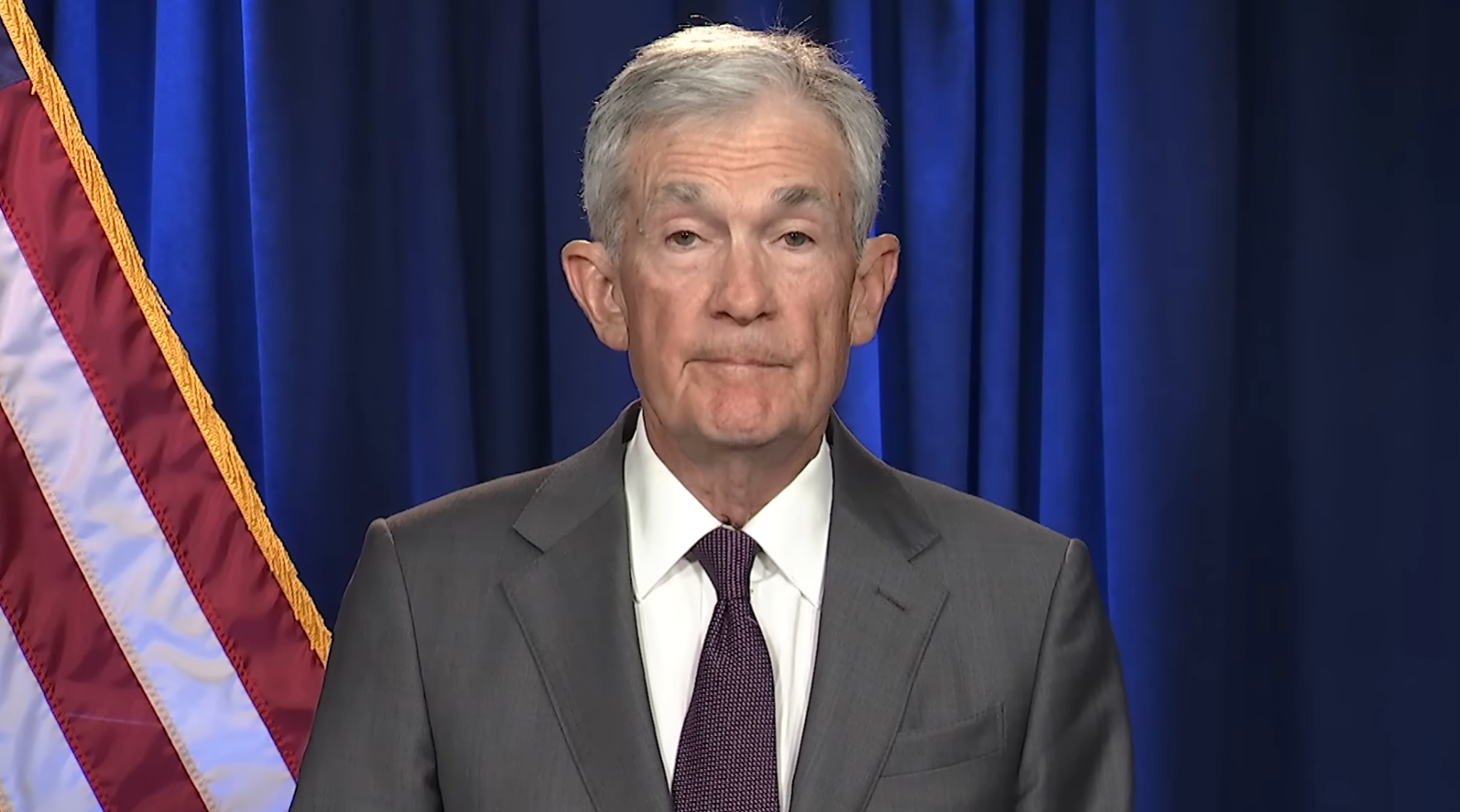
When the Fed speaks, markets move fast.
The next FOMC meeting is scheduled for March 17–18, 2026, with the Fed’s calendar showing the meeting on March 18 at 2:00 p.m. and Chair Jerome Powell’s press conference at 2:30 p.m.
For financial communications teams, that means one thing: you cannot afford to be late.
The moment the rate decision drops, coverage erupts across CNBC, Bloomberg, Fox Business, and other major business and news networks. Analysts react instantly. Anchors reframe the announcement in real time. Powell soundbites start driving headlines within minutes. Internal stakeholders want updates immediately. Leadership wants clips. PR and comms teams need to know exactly what was said, where it aired, and how fast the narrative is moving.
That is why teams need a monitoring war room ready before the statement hits.
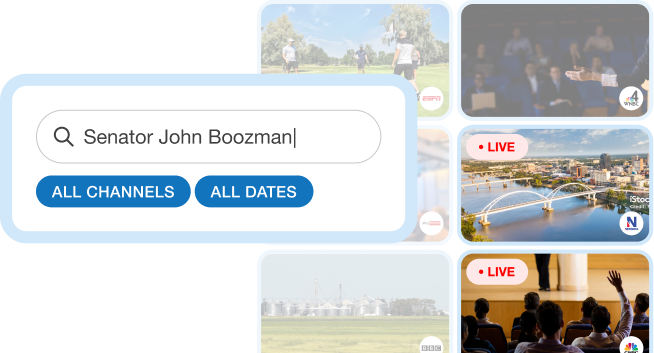
With SnapStream, every major TV channel where Jerome Powell appears can be monitored live by your team in one place. You can watch coverage as it happens, search spoken words and captions in real time, and create shareable clips the moment the key quote lands.
Why Fed day is different
Fed decision days compress hours of media reaction into minutes.
The official statement hits. Powell steps to the podium shortly after. Reporters ask questions. Financial TV begins interpreting every phrase, every pause, and every hint about inflation, employment, cuts, or future policy direction. The first framing often shapes the rest of the afternoon.
For communications teams, the challenge is not just watching. It is keeping up.
You need to know:
- When Powell’s remarks begin airing
- Which networks are emphasizing the headline most aggressively
- What exact language is being repeated on air
- Which clips should be shared internally right away
- How to brief executives or clients while the story is still developing
Traditional monitoring workflows are too slow for this. Scrubbing through video after the fact is not enough. Waiting for recap articles means you are already behind.
Build your Fed war room before 2:00 p.m.
The smartest teams prepare before the first headline crosses.
A strong Fed-day monitoring setup usually includes:
1. Put every key business channel on screen
Your team should have live access to the networks most likely to shape financial coverage first — especially CNBC, Bloomberg, and Fox Business, along with any general news channels your stakeholders care about.
With SnapStream, teams can monitor live TV and streaming coverage from one place instead of bouncing between feeds, browser tabs, and cable setups.
2. Set up searches around the language that matters
Before the decision, prepare searches for terms your team expects to matter, such as:
- Jerome Powell
- interest rates
- rate cut
- inflation
- labor market
- soft landing
- recession
- dot plot
- financial conditions
That way, as coverage rolls in, your team can instantly jump to the moments that matter instead of manually hunting through hours of programming.
3. Assign watchers by channel or topic
War rooms work best when responsibility is clear.
One person may track Powell’s press conference live. Another may watch CNBC reaction. Another may pull clips for leadership. Another may monitor how language differs across networks. When everyone is working from the same platform, it becomes much easier to coordinate in real time.
4. Clip the moment, not an hour later
On Fed day, timing matters.
The value is not just having the clip. It is having it while executives, comms leads, investor relations teams, and clients still need it right now.
SnapStream lets teams create clips as soon as the key quote airs, making it easier to circulate the exact moment internally, support rapid analysis, and preserve the record before the news cycle moves on.
Jerome Powell appears everywhere your team already watches
Powell’s remarks do not stay confined to one official feed.
They are carried live, replayed, analyzed, debated, and quoted across major business television. In practice, that means your team needs visibility across the full TV ecosystem — not just the press conference itself, but the surrounding commentary that shapes how the announcement is interpreted.
With SnapStream, your team can:
- Live monitor major TV channels where Powell appears
- Search spoken words and on-screen text as coverage unfolds
- Clip the exact moment a key quote, answer, or reaction airs
- Share those moments quickly with internal stakeholders
That is especially useful when leadership asks questions like:
- “Did Powell say that exactly?”
- “Can you send me the CNBC segment?”
- “How is Fox Business framing this?”
- “What did Bloomberg focus on in the first five minutes?”
- “Can we get the clip of his answer on inflation?”
Instead of saying, “We’re looking for it,” your team can already have it.
From monitoring to action in real time
Fed coverage is not just a media event. It is an operational test for communications teams.
The best teams are not simply watching markets react. They are turning live coverage into usable intelligence for PR, exec comms, public affairs, investor relations, and client service.
That means being able to:
- confirm what aired
- retrieve the exact wording
- compare network framing
- distribute clips internally fast
- brief stakeholders while coverage is still live
SnapStream helps teams do that without the usual chaos of juggling recordings, transcripts, screenshots, and clip requests across multiple systems.
Don’t wait until the decision drops
The Fed’s March meeting is already on the calendar, with the two-day FOMC meeting set for March 17–18, 2026, and Powell’s press conference scheduled for the afternoon of March 18.
For financial communications teams, preparation matters.
Because when the rate decision hits, the real question is not whether TV coverage will explode.
It is whether your team is ready to monitor it live, search it instantly, and clip the moments that matter before everyone else catches up.
That’s what SnapStream is built for.